MacOS
# Softwere
# Microsoft
- Onedrive
- Word
- Powerpoint
- Excel
# App Store
- Things3
- ScanScan
- GoodNotes
- Telegram
- Tencent Meeting
- feishu
- marginnote
# Homebrew
Formula: 命令行软件
Cask: GUI 软件
Bottle: 预编译软件
brew autoremoveto uninstall dependenciesCask
Formula
# Manual Download
- ClashX Pro (proxy)
- Releases · Molunerfinn/PicGo · GitHub (M1 Support)
- KeyboardHolder (Control your input method)
- Get started with vcpkg (C++ Package Manager)
# Hacks
defaults write com.microsoft.VSCode ApplePressAndHoldEnabled -bool false         # For VS Code
defaults write com.microsoft.VSCodeInsiders ApplePressAndHoldEnabled -bool false # For VS Code Insider
defaults write com.visualstudio.code.oss ApplePressAndHoldEnabled -bool false    # For VS Codium
defaults delete -g ApplePressAndHoldEnabled # restore to default (not including 3 above)

defaults write -g ApplePressAndHoldEnabled -bool false
configure VSCode font
"terminal.integrated.fontFamily": "FiraCodeNerdFontCompleteM-Retina"Edit
/etc/shells/opt/homebrew/bin/bashEdit
/etc/ssh/ssh_config
ServerAliveInterval 20
ServerAliveCountMax 999

# or
echo "ServerAliveInterval 20
ServerAliveCountMax 999
" >> /etc/ssh/ssh_config
Disable spotlight
sudo mdutil -i offShow SSD SMART info
sudo smartctl --all /dev/disk0
# System Preference
- Automatically Hide Menu-bar and Dock
- Smaller Size
- Show battery percentage
- trackpad:
- fastest
- tap to click
- macos - Using Caps Lock as Esc in Mac OS X - Stack Overflow
- Uncheck
play sound on startup&&play UI sound effect
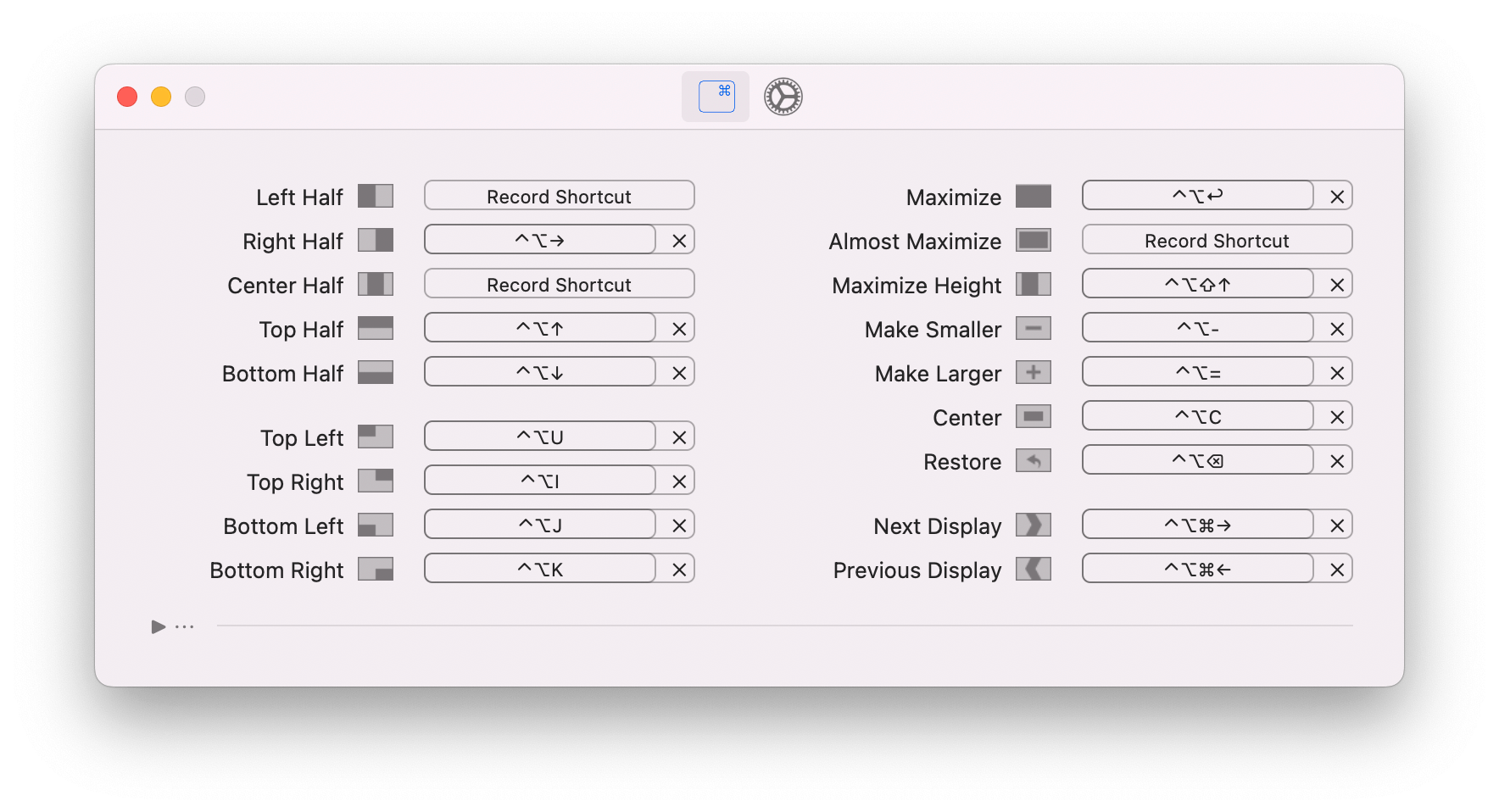
# Keyboard Shortcut
- yabai
Option+Command+V: Move file“Command” + “Shift” + “.” (period): show hidden fileShift+F6: Toggle DNDShift+CMD+5: screenShotCMD+,: Open PreferenceCommand + Shift + Z: look up word- press
Controland click to act as right click CMD+Shift+R: Enter reader modeCMD+Option+V: Move file- Dictionary
CMD+Control+D: LookupCMD+Shift+X: Open Dictionary
- Screenshot
Shift+CMD+3: Fullscreen screenshotShift+CMD+4: Portion screenshotShift+CMD+4+SpaceBar: Select window screenshot
# Terminal
- Shell
- Iterm2
- Preferences > Profiles > Keys > Load Presets not Preferences > Keys > Load Preferences > Natural